
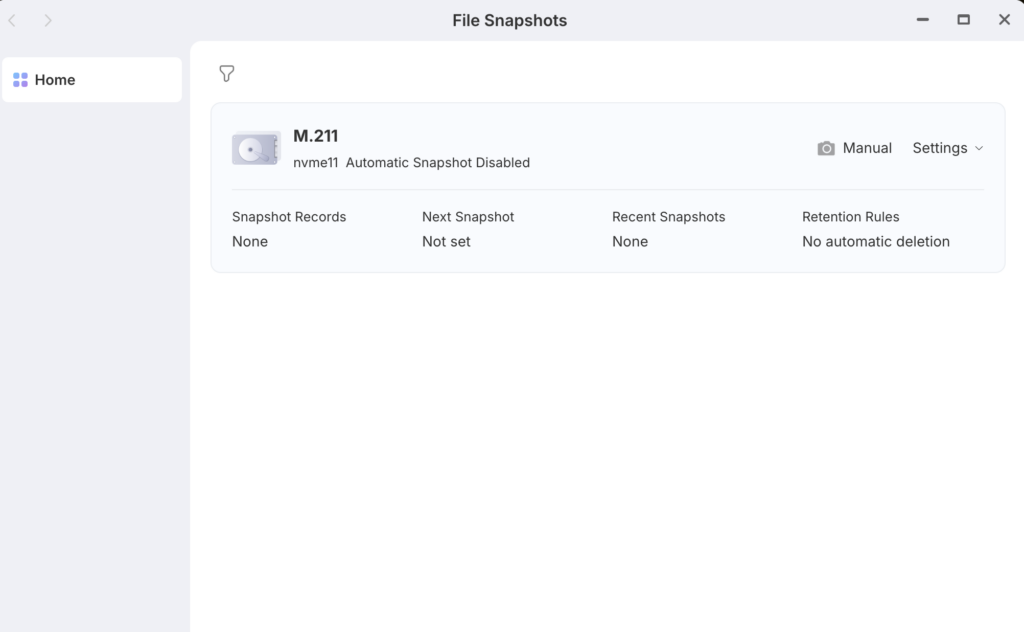
A snapshot is a point-in-time record of your storage. Instead of copying all your files (which takes a long time and uses a lot of space), it records the state of your file system at that exact second.
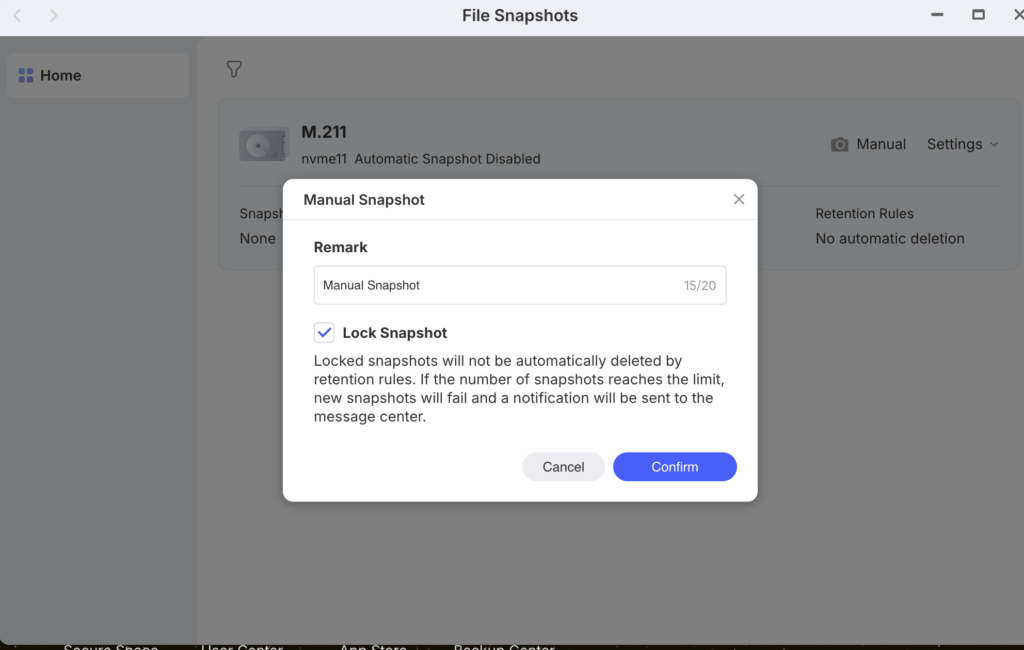
1. Remark
This is just a label for you. Recommend naming this something like “Before Update” or “Stable Config 20xx-xx-xx“. This makes it much easier to identify later if you need to restore your files.
2. Lock Snapshot #
This is a very important toggle:
- If Checked (Locked): This snapshot becomes “permanent.” The system’s Retention Rules (which usually delete old snapshots to save space) will never touch this one. It will only be removed if you manually delete it.
- If Unchecked (Unlocked): This snapshot is treated as a temporary restore point. If you eventually set a rule to “Only keep 30 snapshots,” this one will eventually be deleted to make room for newer ones.
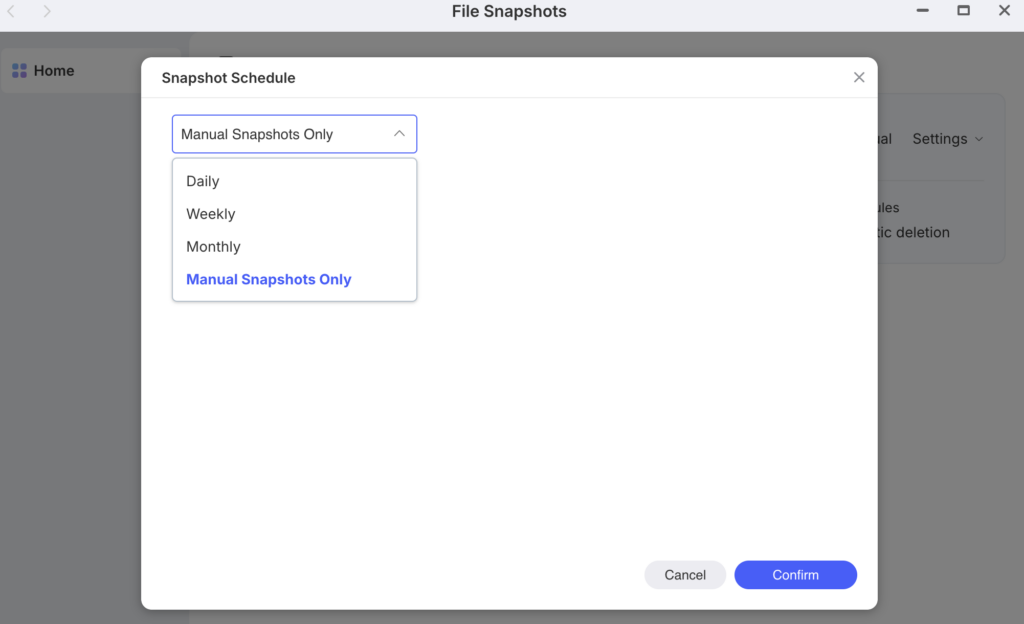
Daily: This is the most secure option. It creates a restore point every 24 hours. If you are actively updating your website files or product manuals on the NAS, this ensures you never lose more than a day’s worth of work.
Weekly: A good balance if your data doesn’t change every day. It saves storage space by creating fewer recovery points.
Monthly: Best for “cold” storage or archives that you rarely touch.
Manual Snapshots Only: The NAS will not protect your data automatically; you have to remember to click “Manual” yourself (like you did in the previous step).
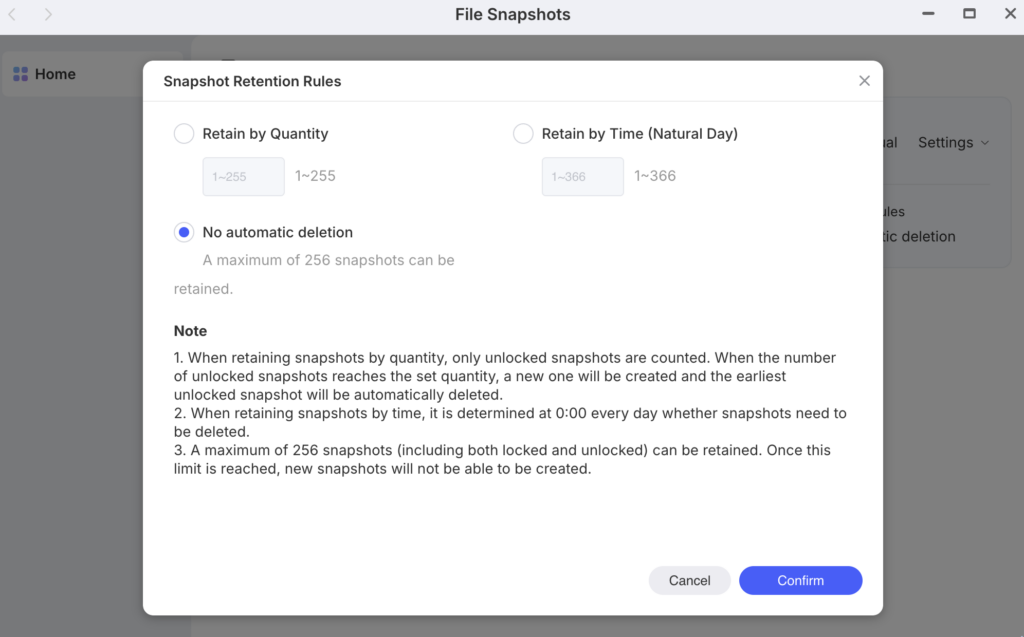
Retain by Quantity (1–255):
- How it works: The system keeps a specific number of the most recent versions. For example, if you set it to 30, when the 31st snapshot is created, the oldest unlocked one is deleted.
- Best for: Consistency. You will always have exactly X versions available regardless of how much time has passed.
Retain by Time (1–366 Natural Days):
- How it works: Every day at 0:00, the system checks for snapshots older than your set limit and deletes them.
- Best for: Routine workflows. If you want to be sure you can always “go back one month,” set this to 30.
No automatic deletion :
- How it works: Nothing is deleted until you reach the system maximum of 256 snapshots.
- Risk: If you hit the 256 limit, the system will stop creating new snapshots, and you’ll receive an error notification.


