
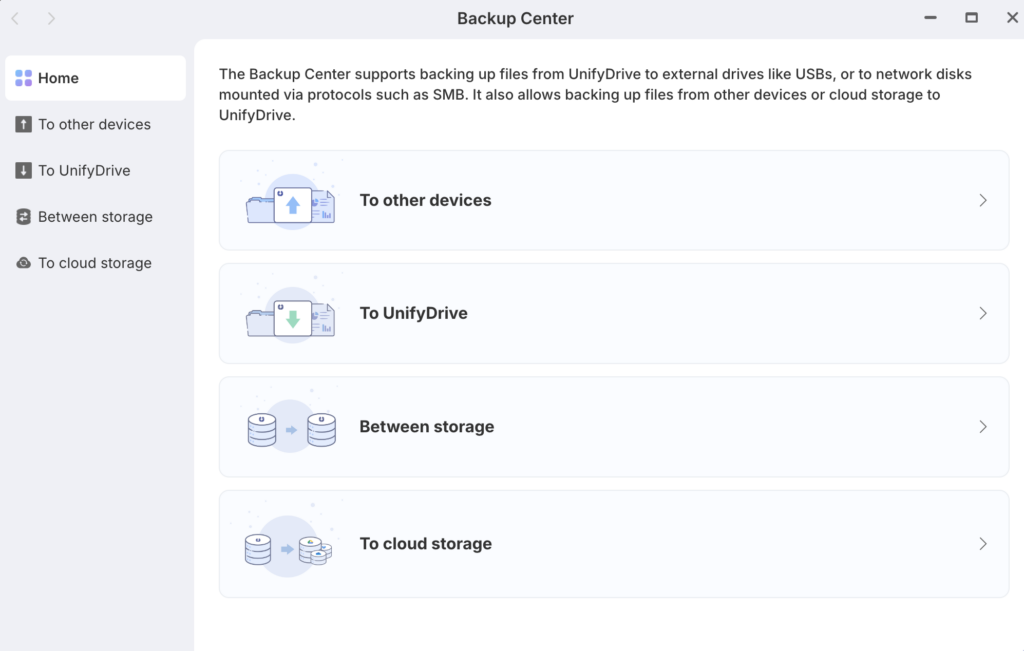
How the Backup Center Works #
The Backup Center is designed to move actual copies of your files to different locations, providing a secondary layer of protection beyond internal snapshots.
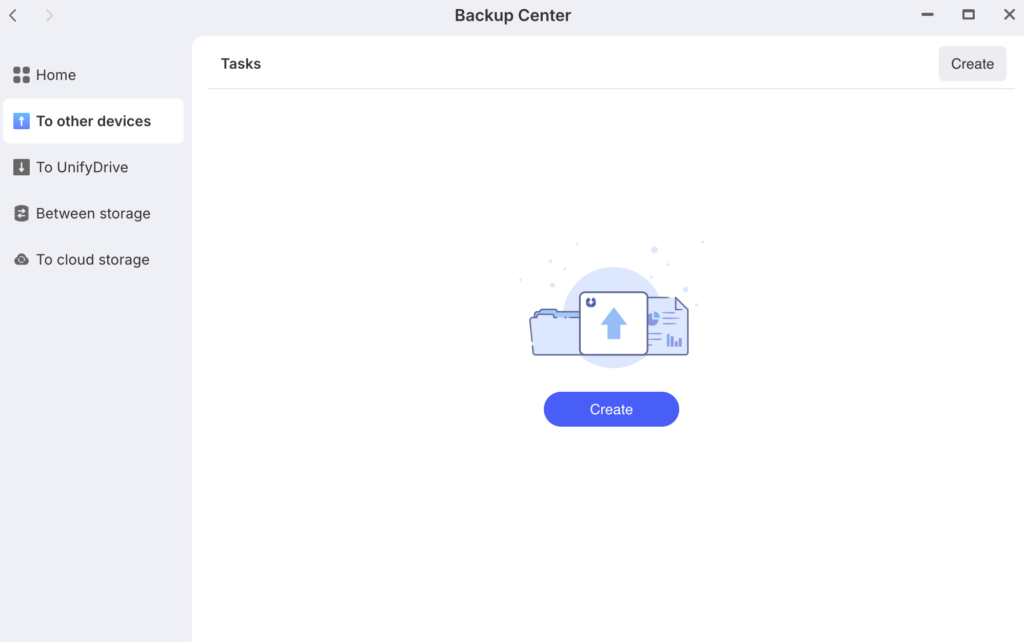
- To other devices: This allows you to back up files currently on your UnifyDrive to external hardware like USB drives or network-attached disks using protocols such as SMB.
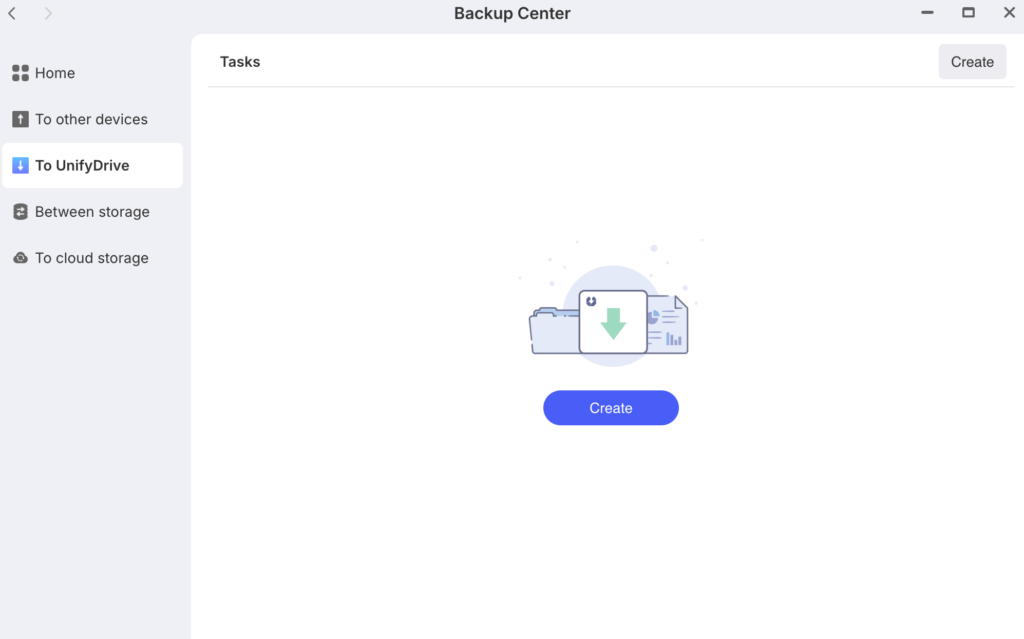
- To UnifyDrive: This is the reverse process, where you can pull files from other external devices or cloud services into your UnifyDrive storage.
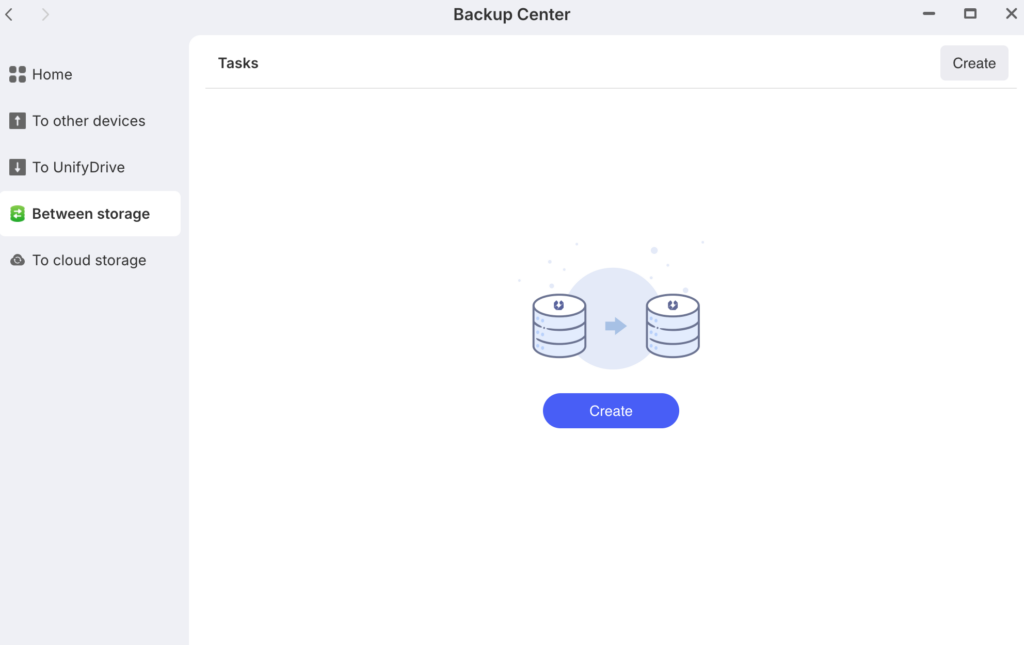
- Between storage: This allows you to move or sync data between different internal storage pools or folders within your device(you need to have two drives in your NAS to make it work).
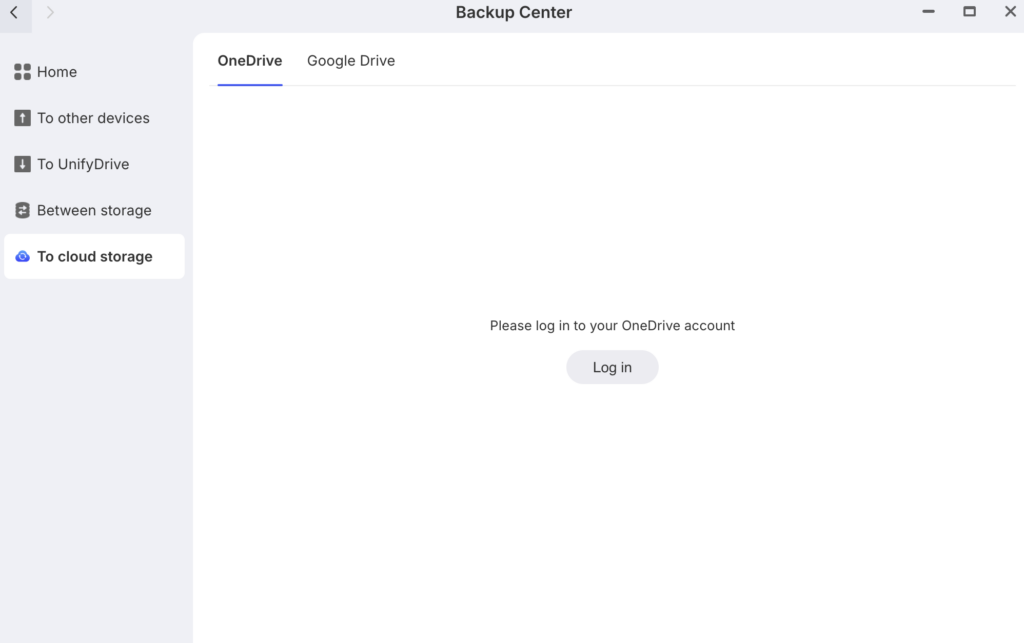
- To cloud storage: This option lets you sync your UnifyDrive data with third-party cloud services for off-site protection.


