
In OpenClaw To add Telegram, follow these steps:
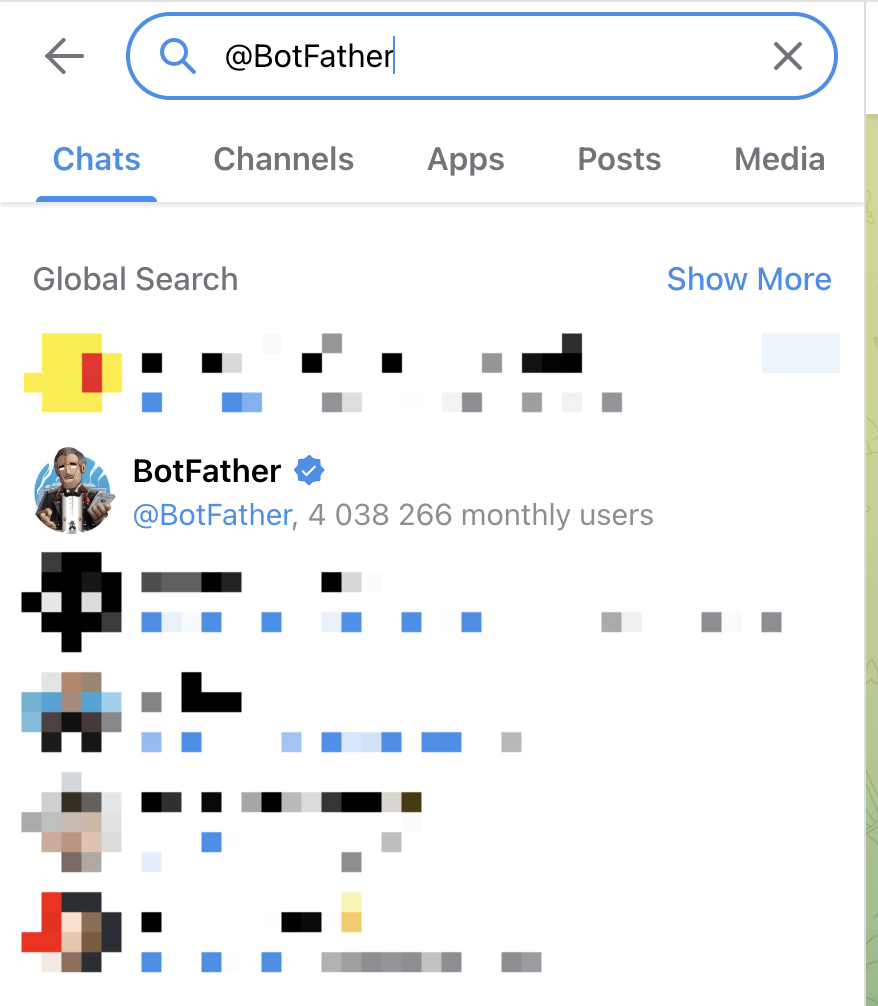
- Log in to Telegram and search for @BotFather
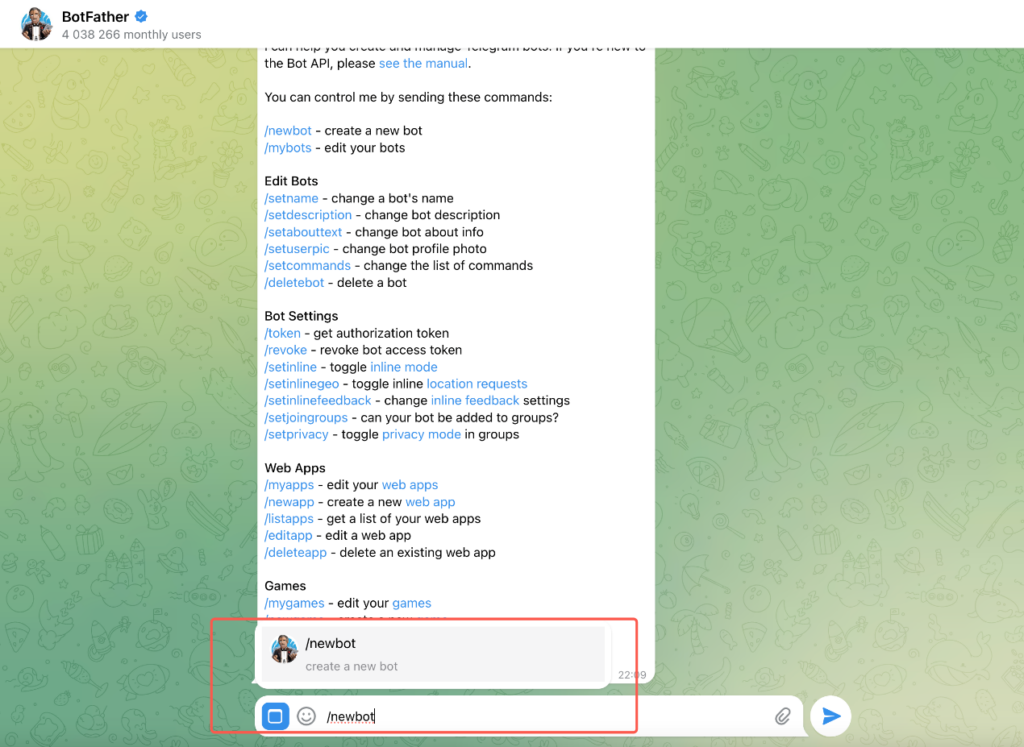
- In the dialog, enter and send /newbot
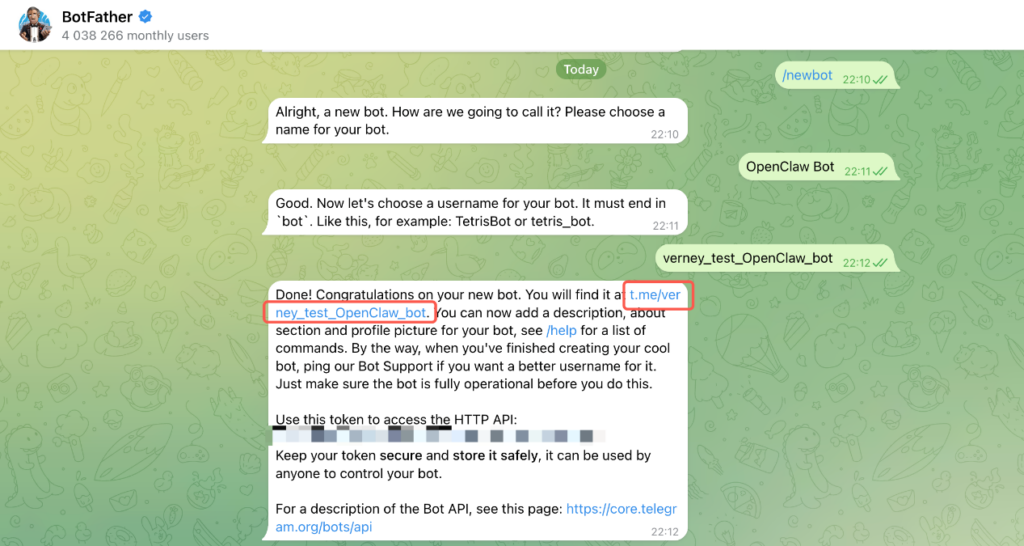
- Follow the prompts to enter the Bot name and username (note: username must end with “_bot”).
- BotFather will generate a Bot Token, like:1234567890:ABCdefGHIjklMNOpqrsTUVwxyz
- In OpenClaw, tell it “I want to communicate with you via Telegram” and provide the token to OpenClaw
- When OpenClaw replies that configuration is complete (if you have other issues, you can let OpenClaw help you solve them), in Telegram, click the position shown in the image to open the Bot chat window
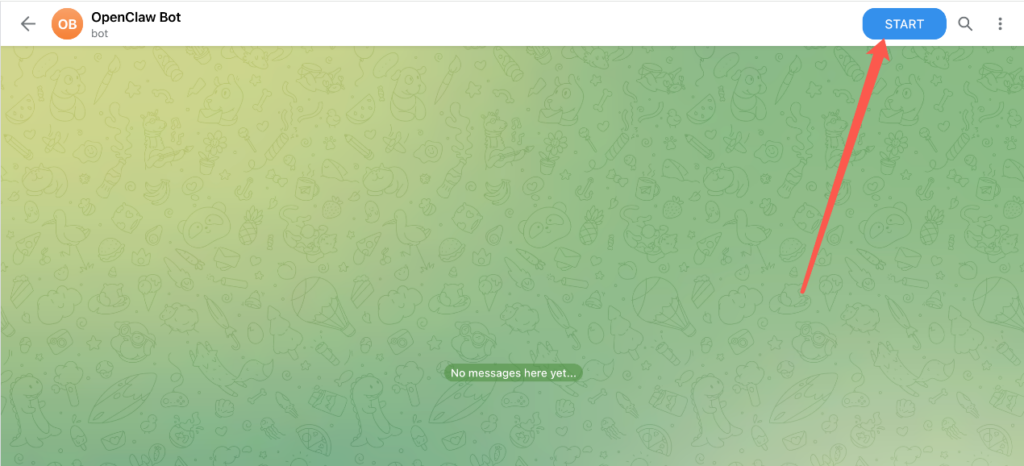
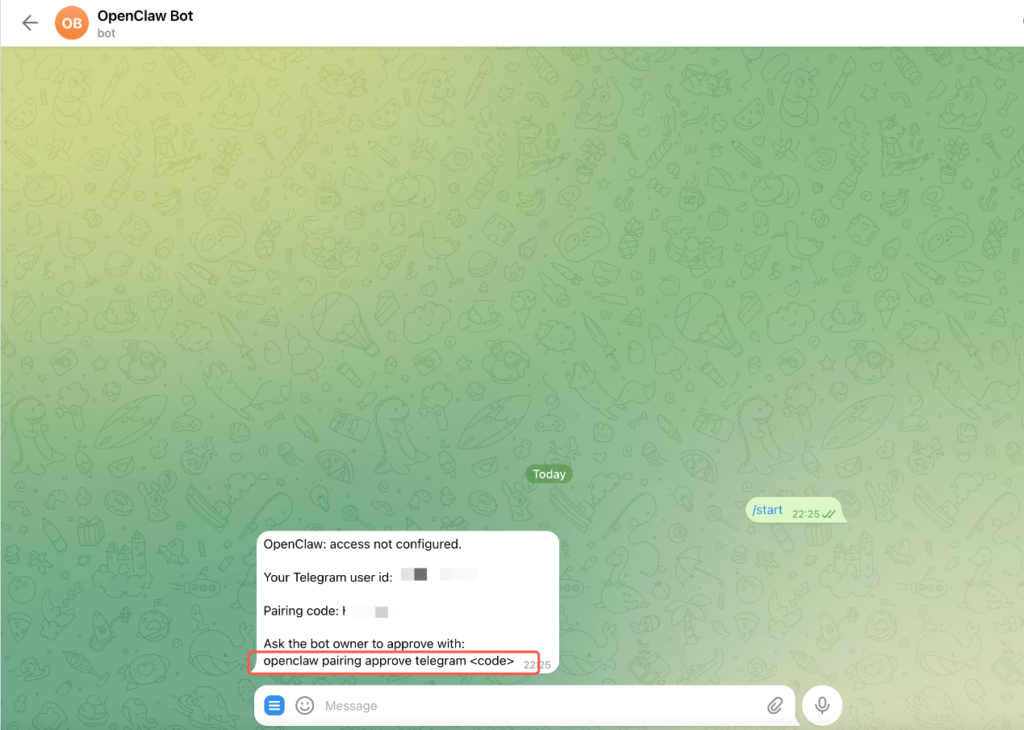
- Click START
- At this point it will give you a pairing code, copy this part:o penclaw pairing approve telegram ABC123
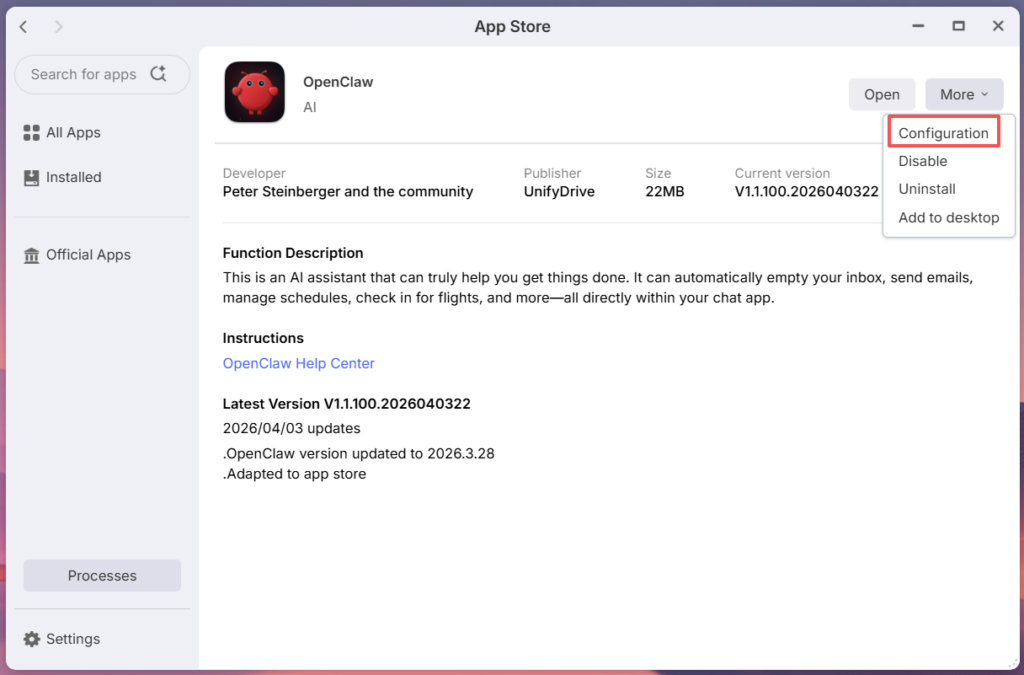
- Then open the App Store OpenClaw background
- OpenOpenClaw’s container terminal page
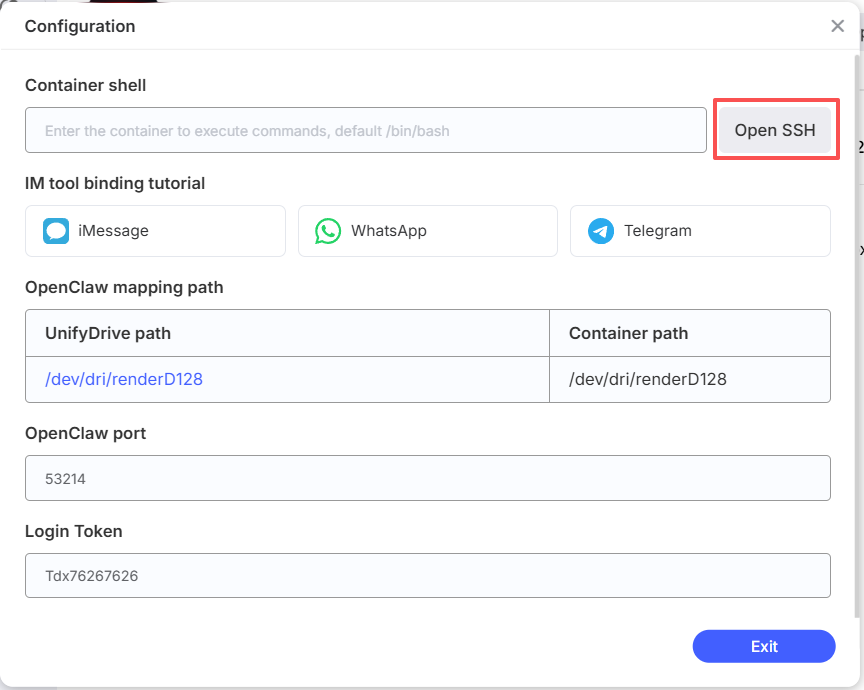
- Copy the following openclaw pairing approve telegram ABC123, enter it in the terminal and press Enter, then you can communicate with OpenClaw via Telegram


